 English
 Biometric Time Attendance for Factories: 2026 Buying Guide
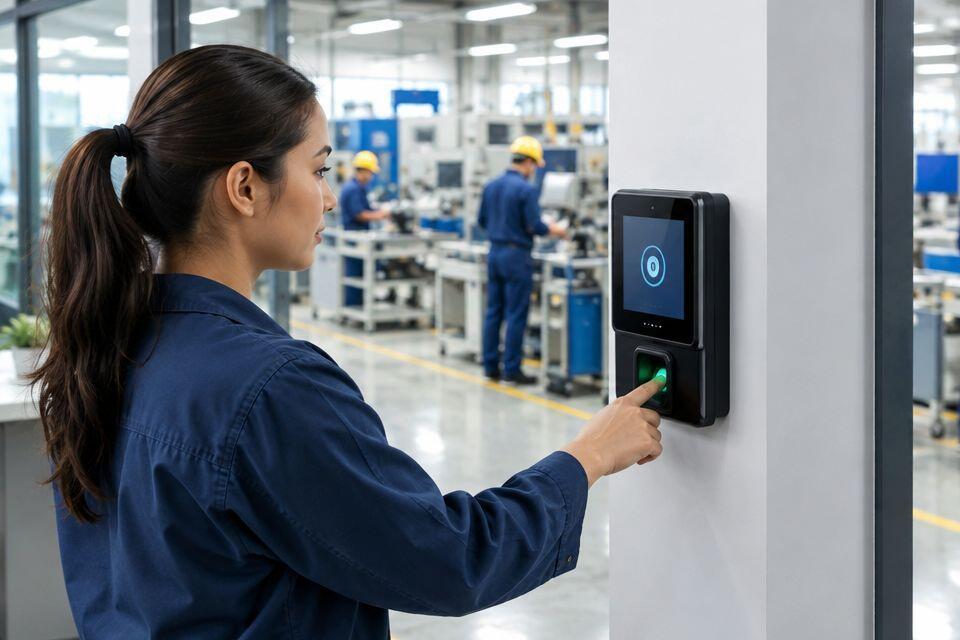
Biometric time attendance for factories tracks fingerprint, face, or card-based clock-ins across shift-based production floors, replacing paper registers and stopping buddy-punching before it reaches payroll. A factory floor is not an office: workers arrive in three shifts, hands are often oily or gloved, and a single gate has to clear a large crowd in a narrow window. Pick a system built for that pattern, not a small-office kit rebranded for industrial use.
- Biometric time attendance for factories replaces paper time cards with fingerprint, face, or card-based clock-ins at the gate.
- Fingerprint readers lose accuracy on oily, dusty, or gloved hands common on production floors; face recognition avoids that problem.
- Match terminal count to shift-change headcount, not total staff count, to stop queues forming at the gantry.
- Link the terminal’s attendance export to payroll software before installation, not after, to skip manual reconciliation.
- ZKTeco and Hikvision are the two brands most stocked for Kenyan factory installs through Patsec Security Store.
Why biometric time attendance matters for factories
A factory running two or three shifts a day has hundreds of clock-in events clustered into a few minutes at shift change. Manual registers and swipe cards get shared, forgotten, or filled in after the fact, and that directly inflates payroll. Biometric time attendance systems in Kenya tie the clock-in to the actual person, which is the only way to stop one worker punching in for another on a busy line.
Factories also run in conditions offices never see: dust from machining, oil on hands, gloves for PPE compliance, and outdoor gates exposed to rain. A biometric terminal rated for an office lobby will jam or misread constantly on a factory floor in 2026 if it was never designed for that environment.
The verdict: fingerprint terminals work well for single-shift, low-dust factories, but multi-shift plants with PPE policies need face recognition or a card-and-fingerprint hybrid to avoid exception queues.
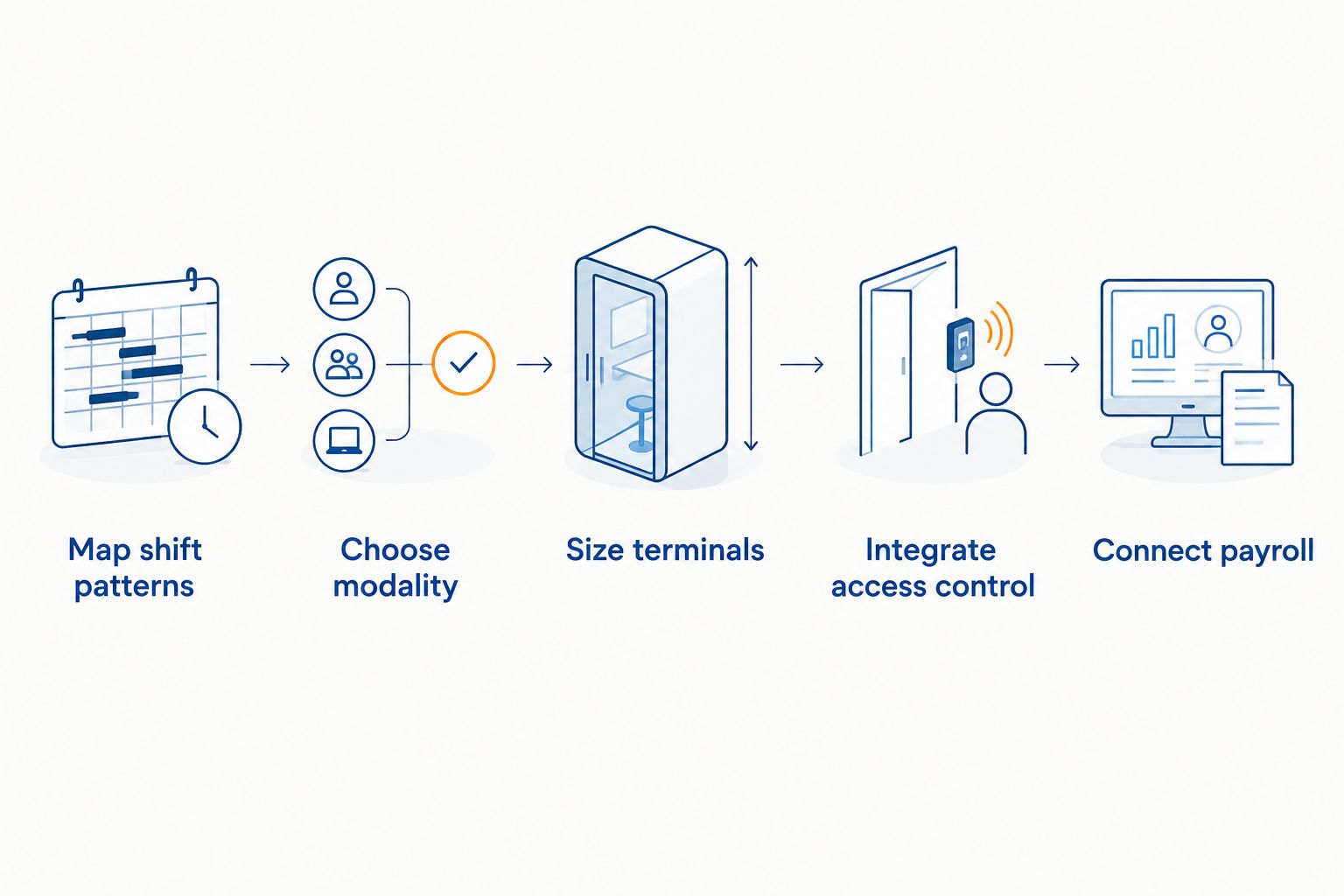
Map your shift patterns and headcount
Before picking hardware, write down how workers actually move through the gate.
- Number of shifts per day and the headcount on each
- The exact window (in minutes) allowed for shift-change clock-in
- Whether contractors or casual labour clock in separately from permanent staff
- Number of physical entry points used for staff access
- Whether night-shift lighting at the gate is adequate for a camera-based reader
This map decides terminal count and modality more than any brochure spec does.
Choose the right biometric modality for factory floors
Fingerprint, face, and card-based systems each behave differently once dust, oil, and gloves enter the picture.
- Fingerprint terminals: fast and cheap to deploy, but oily or dusty fingers cause repeat scans and slow the line
- Face recognition terminals: hands-free, work through light gloves, but need even lighting at the gate and struggle in direct glare
- Card-plus-fingerprint hybrids: card handles the identity, fingerprint confirms it, useful where gloves are mandatory but security still matters
- RFID card-only terminals: fastest throughput, no biometric proof, easiest to abuse by sharing cards
- IP65-rated outdoor terminals: needed at any gate exposed to rain or direct sun rather than a covered lobby
Size and place terminals for shift-change throughput
One terminal built for a 50-person office will not clear a 300-person shift change without a backlog forming at the gantry.
- Count how many workers must clock in within the shift-change window and size terminals to that number, not total headcount
- Add a second lane at any gate handling more than one production line's shift change
- Place terminals under cover if the gate is outdoors, away from direct rain and dust blow-off
- Keep a manual sign-in backup sheet at the gate for terminal downtime
- Position readers at a height that works for both fingerprint scanning and face capture without staff bending or reaching
Integrate attendance with access control at the gate
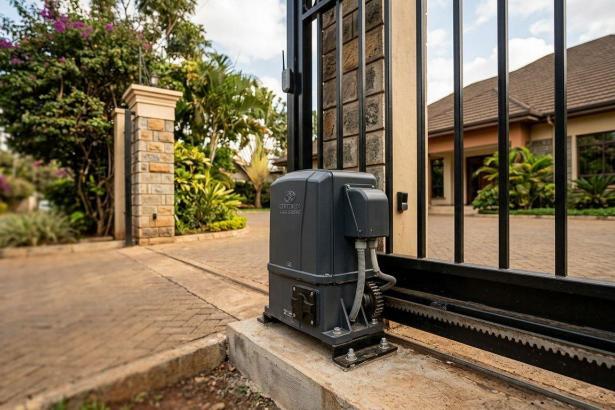
Attendance and access control solve two different problems, but on a factory floor they usually sit on the same gate. A worker clocking in should also be the same credential that unlocks a turnstile or door, not a separate card. Reviewing an access control system built for warehouse and industrial sites before buying a standalone attendance terminal avoids running two unrelated credential systems side by side.
- Confirm the terminal can trigger a turnstile or door strike, not just log a timestamp
- Check whether visitor and contractor credentials route through the same controller or a separate one
- Verify the system supports multiple entry points reporting to one central log
- Ask whether the access controller and the attendance terminal share the same enrolment database
Connect attendance data to payroll and HR software
A biometric terminal that only stores logs locally still leaves HR doing manual data entry every payroll cycle.
- Confirm the terminal exports attendance data in a format your payroll software accepts (CSV, API, or direct integration)
- Check whether the export runs automatically on a schedule or needs manual pulling each time
- Test the export with a real payroll run before rolling the system out plant-wide
- Set overtime and late-arrival rules in the software, not manually in a spreadsheet afterward
Plan power and network reliability at gate points
Factory gates are often far from the server room, and a terminal that drops offline during a power cut stops logging attendance entirely.
- Run a dedicated network cable to each gate terminal rather than relying on shared office Wi-Fi
- Add a small UPS at each terminal so short power interruptions do not wipe unsaved logs
- Confirm the terminal can store logs locally and sync once the network returns
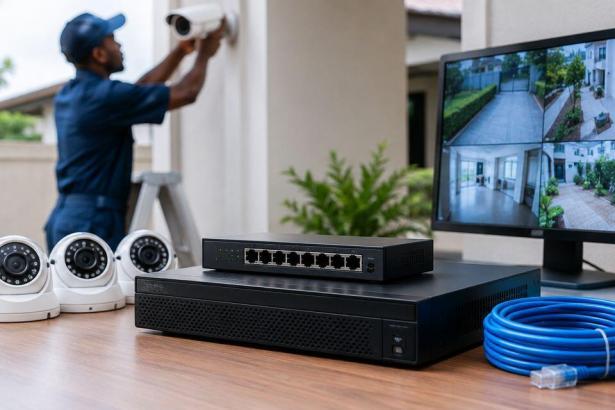
- Check cabling and switch capacity against the networking equipment guide for security installations before adding more terminals to an existing network
Train supervisors on exception handling
Every biometric system produces exceptions: a worker with a healed-over cut, a new hire not yet enrolled, a face scan blocked by a mask.
- Give shift supervisors a manual override procedure that still logs a timestamp
- Set a re-enrolment schedule for workers whose fingerprints degrade over time
- Log every manual override so HR can spot repeated abuse of the exception process
- Keep a short list of common failure causes (wet hands, cuts, low light) posted at the terminal
Clean and maintain readers on a fixed schedule
Dust and oil are the two biggest causes of failed scans on a factory floor, and both are preventable with a cleaning routine.
- Wipe fingerprint sensors with a dry microfibre cloth at the start of each shift
- Check camera lenses on face recognition terminals weekly for dust film
- Test the backup power supply monthly, not only when it fails
- Re-enrol any worker with a rising failure rate rather than letting them switch to manual overrides permanently
Comparing terminal types for factory use
| Terminal type | Best for | Key limitation |
|---|---|---|
| Fingerprint-only terminal | Single-shift plants with low dust | Oily or dusty hands reduce match accuracy |
| Face recognition terminal | High-headcount, multi-shift floors | Needs consistent lighting at the gate |
| Card + fingerprint hybrid | Plants with mandatory PPE gloves | Cards can be shared or misplaced |
| RFID card-only terminal | Very high-throughput single gates | No biometric proof; easy to share |
Best for most Kenyan factories running two or more shifts: a face recognition terminal at the main gate with a fingerprint or card backup for enrolment failures.
Get the right terminal for your gate
Match terminal type and count to your shift pattern before you buy.
Common mistakes factories make
- Installing an indoor-rated terminal at an uncovered gate. Rain and dust exposure cause repeat failures within months on a factory perimeter.
- Buying one terminal for a 300-worker shift change. A single lane cannot clear that headcount inside a short shift-change window, and queues push workers to clock in late.
- Never linking the terminal export to payroll software. HR ends up reconciling CSVs by hand every month, which defeats the point of automating attendance.
- Ignoring PPE policy at the design stage. Gloved fingers fail fingerprint scans, and gate staff fall back to manual sign-in sheets that undo the whole system.
- Skipping the maintenance schedule. A sensor caked in oil dust by week three produces more false rejections than the manual register it replaced.
FAQ
What is biometric time attendance for factories?
It is a fingerprint, face, or card-based clock-in system installed at factory gates to log worker attendance automatically instead of paper registers. It ties each clock-in to a verified identity, which stops one worker punching in for another.
Is fingerprint or facial recognition better for factory floors?
Face recognition holds up better on floors with oily, dusty, or gloved hands, since it does not need physical contact with a sensor. Fingerprint terminals still work well on single-shift, low-dust sites where cost matters more than throughput.
How many biometric terminals does a factory need?
Size terminal count to the headcount clocking in during the shift-change window, not total staff count. A 300-worker shift change through one lane will back up; splitting it across two lanes usually clears the queue.
Can biometric attendance integrate with payroll software in Kenya?
Most terminals export logs as CSV or through an API that payroll software can import. Confirm this before buying, since a terminal without an export path forces manual data entry every pay cycle.
Do biometric time attendance systems work with gloves or PPE?
Fingerprint sensors generally fail with gloves on, while face recognition still works through light face coverings depending on the camera. A card-plus-fingerprint hybrid is the common workaround on PPE-mandatory floors.
What happens if the terminal loses network connection?
A terminal with local storage keeps logging attendance offline and syncs once the network returns. Terminals without local storage stop logging entirely, which is why network reliability at the gate matters as much as the terminal itself.
Is RFID card attendance secure enough for factories?
Card-only attendance is fast but offers no proof the cardholder is the actual worker, since cards get shared or borrowed. It works best as a backup credential alongside a biometric primary, not as the only method.
How much maintenance do biometric terminals need?
Fingerprint sensors need a daily wipe with a dry cloth on dusty floors, and camera lenses on face terminals need a weekly check. Backup power supplies should be tested monthly rather than only after a failure.
One last thing
The single change that cuts exception-handling calls the most on a factory floor is running face recognition as the primary method with fingerprint as the fallback, not the reverse. Fingerprint-first setups generate a steady stream of gloved-hand and dusty-finger failures that pile onto supervisors during shift change in 2026; face-first setups push those exceptions down to a handful a week.
Related guides
- Fingerprint door locks for offices in Kenya
- Networking equipment for CCTV and security installations
- Access control systems for schools and universities