 English
 Access Control System for Schools: 2026 Setup Guide
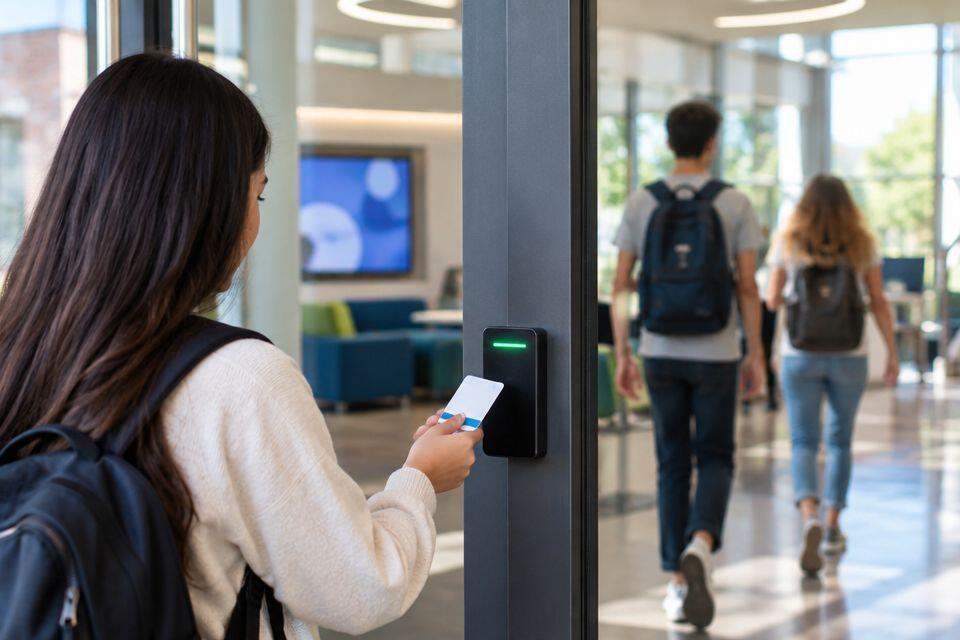
Access control system for schools is a network of electronic locks, card or biometric readers, and a management panel that decides who can open which door and when. A single-gate home installation only needs one entry point covered; a school or university campus needs gates, classroom blocks, dormitories, labs, and staff-only rooms managed as separate zones with different time rules.
- An access control system for schools pairs fingerprint or RFID readers at gates and dormitories with one central management panel.
- Boarding schools need visitor logging and overnight lockouts; day schools mostly need gate and classroom entry control.
- Fingerprint readers cut card-sharing between students; RFID cards move large groups through gates faster during class changes.
- Universities with several buildings need networked access control, not separate standalone locks per block.
- Zoned schedules that lock labs and staff rooms after hours stop the most common access control mistake schools make in 2026.
Why access control matters for schools
A school compound moves hundreds of people through the same gate in a ten-minute window between lessons. That volume creates two problems a home system never faces: bottlenecks at the gate, and no reliable record of who was in a specific building when something went missing.
Boarding schools add a third problem: dormitories need to lock overnight and unlock on a schedule, not on demand. Day schools care less about that and more about keeping non-teaching staff and visitors out of labs, server rooms, and exam stores. Both cases need an access log, not just a lock — when a laptop disappears from a computer lab, the log is what narrows down who was in the room.
Smaller institutions sometimes start with the same setup used for access control systems for small businesses, then find it can't handle multi-building schedules or a few hundred enrolled credentials. Plan for campus scale from the start rather than upgrading twice.
Setting up access control for schools and universities
Map your entry and exit points
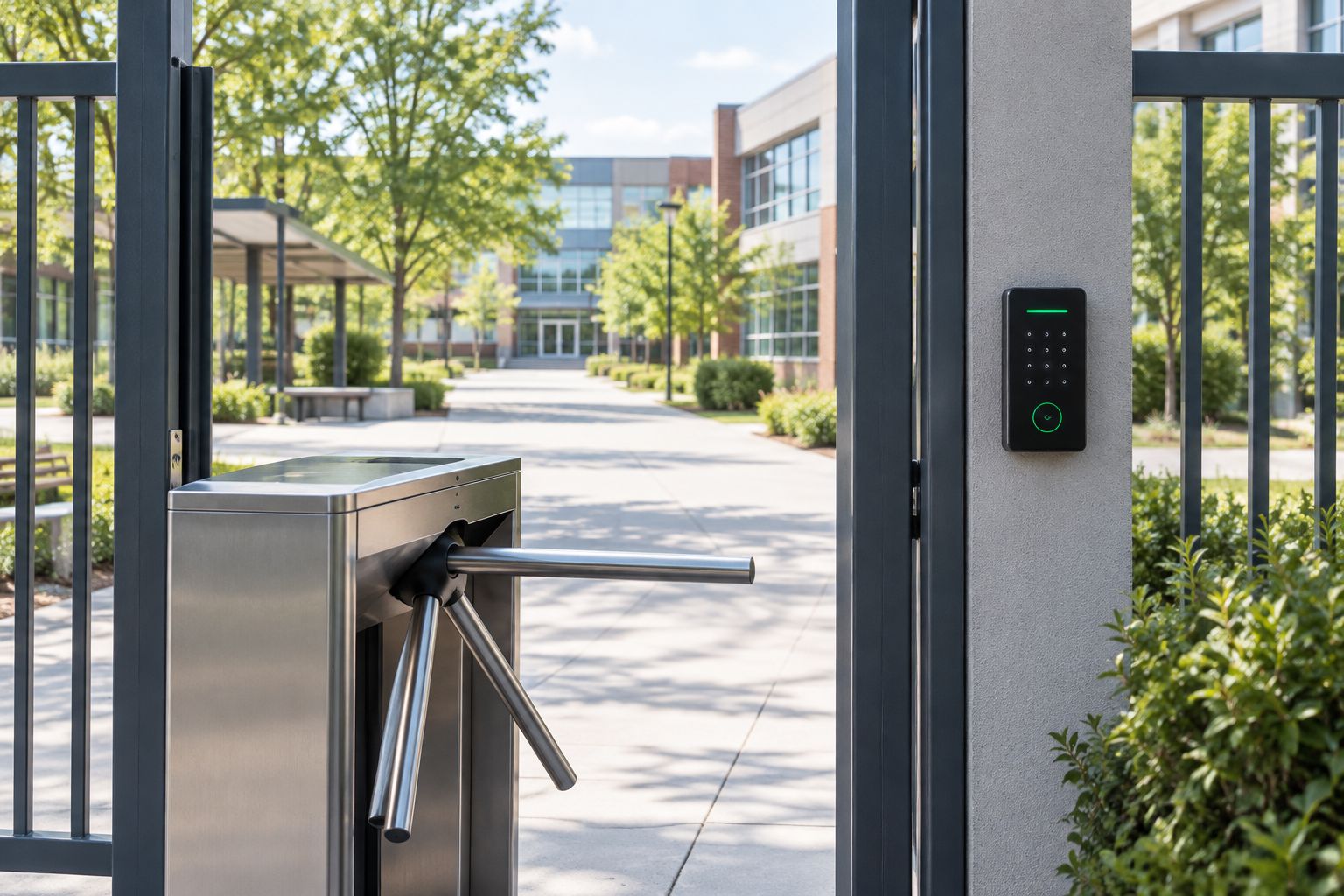
Walk the compound before buying anything. Count every door that needs control, not just the main gate — side gates, dormitory entrances, lab doors, and the staff room all count.
- List every point where an unmonitored person can currently walk in
- Separate points into pedestrian gates, vehicle gates, and internal doors
- Note which doors need to stay open during fire evacuation
- Flag any door with no existing power run nearby
Choose the credential type for your population
A school of 2,000 students moving between periods behaves differently from an office of 40 staff. Pick the credential type based on how fast people need to move and how much a lost credential costs you.
- Start with RFID cards for general student population — cheapest to reissue when lost
- Use fingerprint biometric readers for staff rooms, labs, and server rooms where card-sharing is a risk
- Reserve PIN keypads as a backup entry method, not a primary one
- Match reader speed to your busiest class-change window
Fingerprint door locks solve the card-sharing problem directly — a shared card lets three students in on one credential, a fingerprint reader doesn't. Reviewing fingerprint door locks built for office traffic gives a useful baseline for door-level hardware, even though a school deploys many more of them.
Set up zoned access by building and role
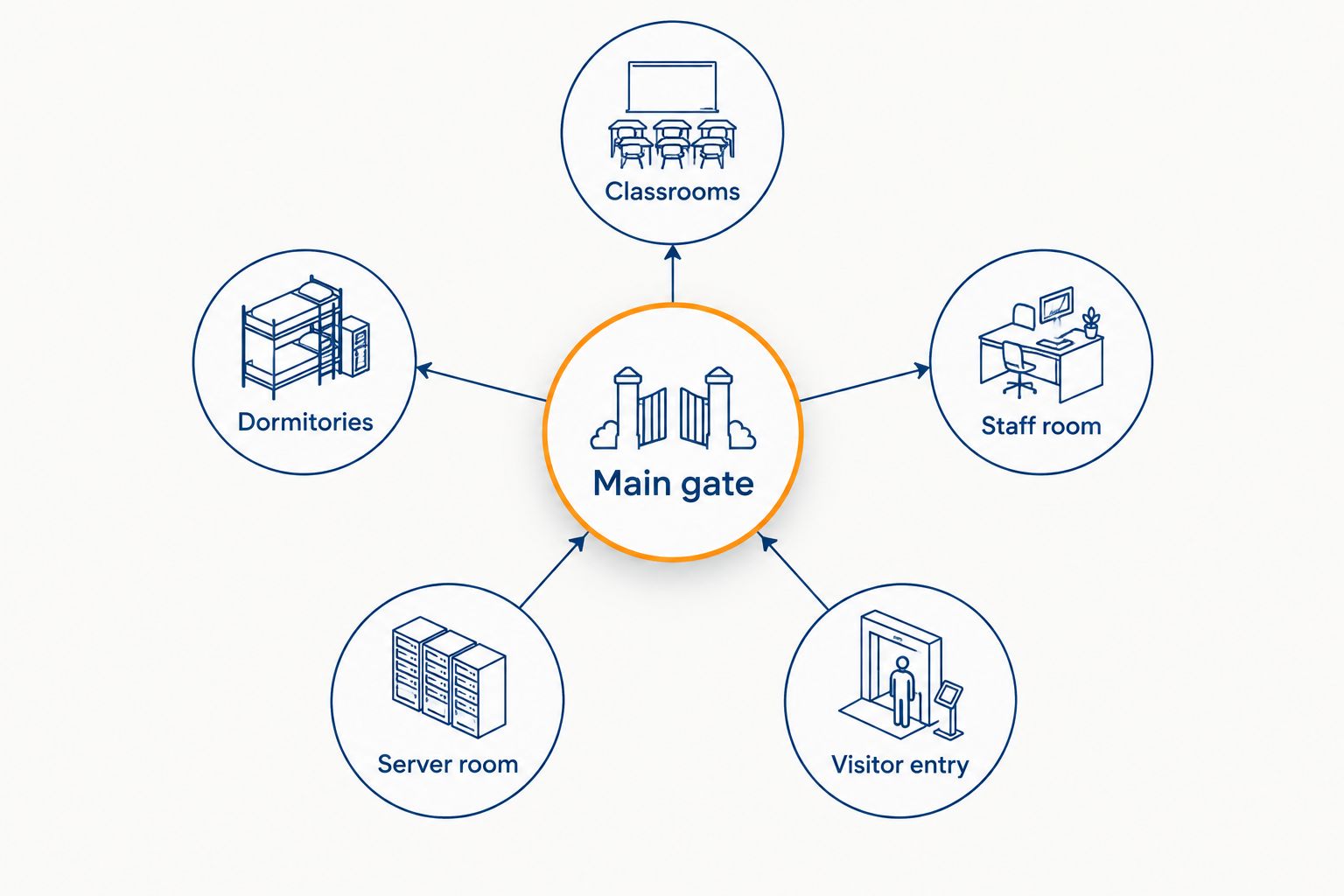
A teacher's credential should open the staff room and their assigned classroom block — not the finance office or the server room. Zoning is what stops one compromised credential from exposing the whole campus.
- Group doors into zones: classrooms, dormitories, staff areas, admin, server/IT room
- Assign each credential to only the zones that role needs
- Separate day-student zones from boarding-student zones if both exist on campus
- Keep the finance office and exam store on their own zone with the shortest credential list
Configure time-based schedules and lockouts
A classroom door should unlock at 7am and lock at 6pm. A dormitory should lock at curfew and stay locked until the morning bell. Set these schedules once and let the panel enforce them automatically instead of relying on a guard remembering to lock up.
- Set opening and closing hours per zone, not one blanket schedule for the whole campus
- Add an automatic overnight lockout for labs, server rooms, and stores
- Build in a manual override for staff who need after-hours access, logged separately
- Test the schedule during a real class-change to confirm reader speed keeps up
If a reader takes longer than two seconds to clear a student during a class change, the door gets propped open and the whole schedule stops meaning anything.
Integrate visitor management
Parents, contractors, and delivery staff need a way in that doesn't use a student or staff credential. A logbook at the gate works for small day schools; a boarding school or university with regular visitor traffic needs a recorded, time-limited visitor credential.
- Issue temporary visitor cards or QR passes with an expiry time
- Require the visitor's ID and destination logged at the point of entry
- Route all visitor traffic through one gate, not every entrance
- Flag repeat visitors (regular contractors, delivery drivers) for a longer-validity pass
Link access logs to attendance and incident reporting
An access control system already knows who entered which door and when — that same log doubles as a staff attendance record and an incident investigation tool. Schools running manual sign-in sheets duplicate work the access panel already does automatically.
- Pull daily entry logs for staff attendance instead of a paper register
- Cross-check lab and store access logs against inventory counts
- Keep at least 90 days of log history for incident investigations
- Review logs monthly for unusual after-hours entries
Universities running staff shifts on top of student access sometimes lift the reporting approach used in biometric time attendance systems and apply it to non-teaching staff rosters, since the underlying reader hardware overlaps.
Plan power backup and maintenance
An access control panel that loses power and fails locked traps students inside a dormitory during an outage; one that fails unlocked defeats the entire system. Decide the fail-safe behaviour per door before installation, not after the first power cut.
- Confirm each door's fail-safe (unlocks on power loss) or fail-secure (stays locked) setting matches fire code needs
- Add a battery backup sized for at least the compound's typical outage length
- Schedule quarterly cleaning of card readers and fingerprint sensors — dust affects read accuracy
- Replace worn RFID cards before the chip fails completely, not after a student is locked out
Get access control specced for your campus
Compare gate, dormitory, and classroom credential options for your building count.
Comparing credential types for school access control
| Credential type | Best for | Key limitation |
|---|---|---|
| RFID access cards | Large student populations moving through gates fast | Cards can be shared or lost |
| Fingerprint biometric reader | Staff rooms, labs, server rooms, exam stores | Slower per-person throughput at busy gates |
| PIN keypad | Backup entry, low-traffic side doors | Code can be shared or observed |
| Mobile/QR visitor pass | Short-term visitor and contractor access | Needs a smartphone or printed pass |
RFID cards win on speed for general student traffic; fingerprint readers win on accountability for restricted zones. Running both on the same campus, split by zone, covers more ground than picking one for everything.
Common mistakes schools make with access control
- One credential for the whole campus. A student's RFID card that also opens the server room defeats the point of zoning.
- No overnight lockout on labs and stores. Doors left on a day schedule stay open at night when nobody is watching them.
- Ignoring class-change speed. A reader that's too slow gets propped open within the first week of term.
- Skipping the visitor gate. Routing parents and contractors through the same entrance as students removes the one clean log point a campus has.
- No backup power plan. A fail-secure door with no battery locks students inside during a power cut — a fail-safe setting fixes it, but only if it's set before installation, not discovered after.
FAQ
What is the best access control system for schools in 2026?
A zoned system combining RFID cards for general student traffic and fingerprint readers for staff rooms, labs, and stores covers most schools in 2026. The right mix depends on building count and whether the school boards students overnight.
Do universities need a different setup than schools?
Yes. Universities usually span several buildings with independent schedules, so the access control panel needs to be networked across blocks rather than run as standalone door locks per building.
Is RFID or fingerprint better for a school gate?
RFID moves large groups through a gate faster during class changes. Fingerprint readers work better on doors where card-sharing is the risk, such as labs and staff rooms.
How do boarding schools handle dormitory access control?
Dormitory doors run on a curfew schedule that locks overnight and unlocks at a set morning time, with a logged manual override for staff who need after-hours access.
Can access control logs replace a staff attendance register?
Yes. Daily entry and exit logs from the access panel record staff arrival and departure times automatically, removing the need for a separate paper sign-in sheet.
What happens to access control if the power goes out?
Behaviour depends on whether each door is set fail-safe (unlocks on power loss) or fail-secure (stays locked). Fire code usually dictates fail-safe for evacuation routes, backed by battery power for the panel itself.
How often should school access control hardware be maintained?
Card readers and fingerprint sensors need cleaning roughly every quarter, since dust and finger oils reduce read accuracy over time. Worn RFID cards should be replaced before the chip fails outright.
Should visitors use the same access credential as students?
No. Visitors need a separate, time-limited pass routed through one designated gate, keeping the student and staff credential list clean of one-off entries.
One last thing
The single change that stops the most incidents on a school compound isn't a new reader — it's zoning the server room and exam store onto their own credential list, separate from the general staff zone. Most campuses that get a theft or leaked exam trace it back to a shared credential that opened a room it never should have.
Related guides
- Best biometric time attendance systems in Kenya
- Best access control kits for apartment buildings in Kenya