 English
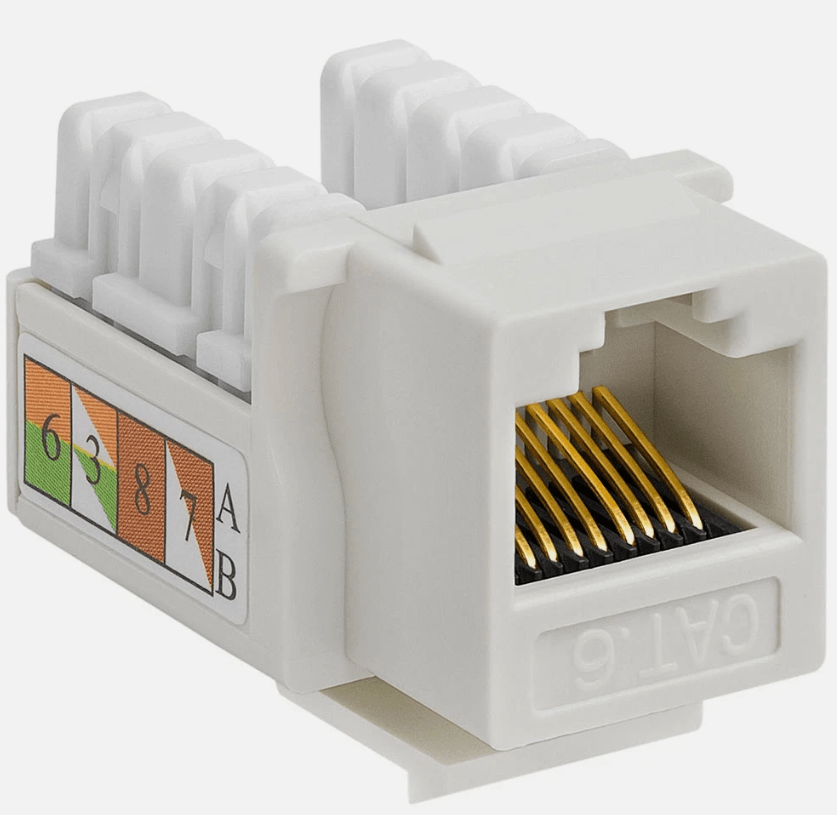
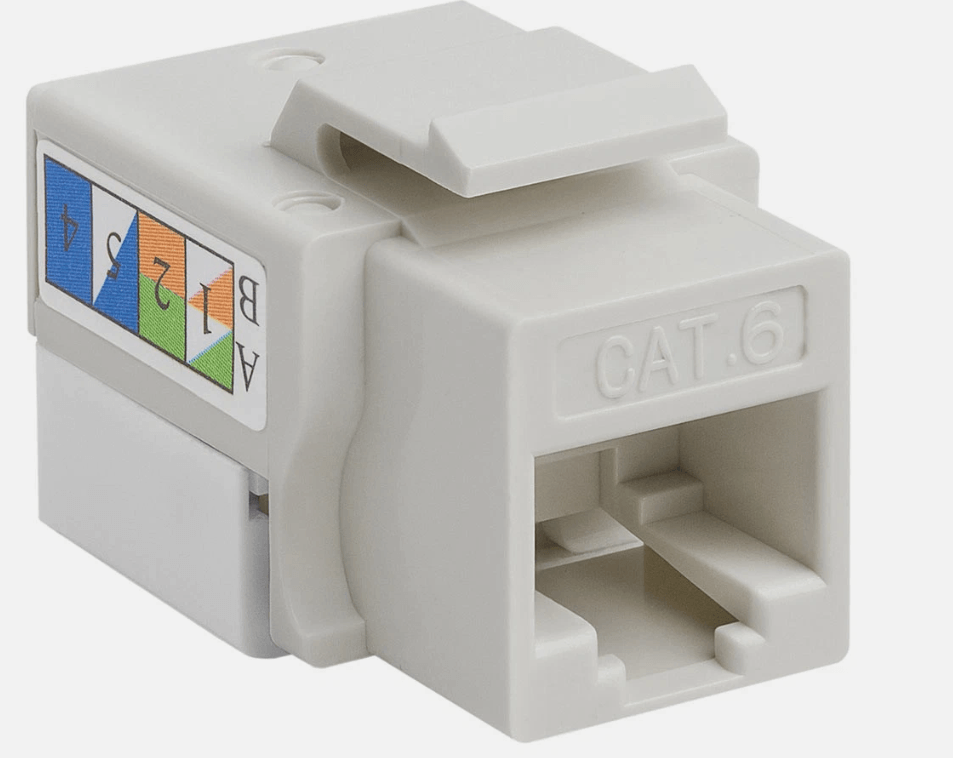
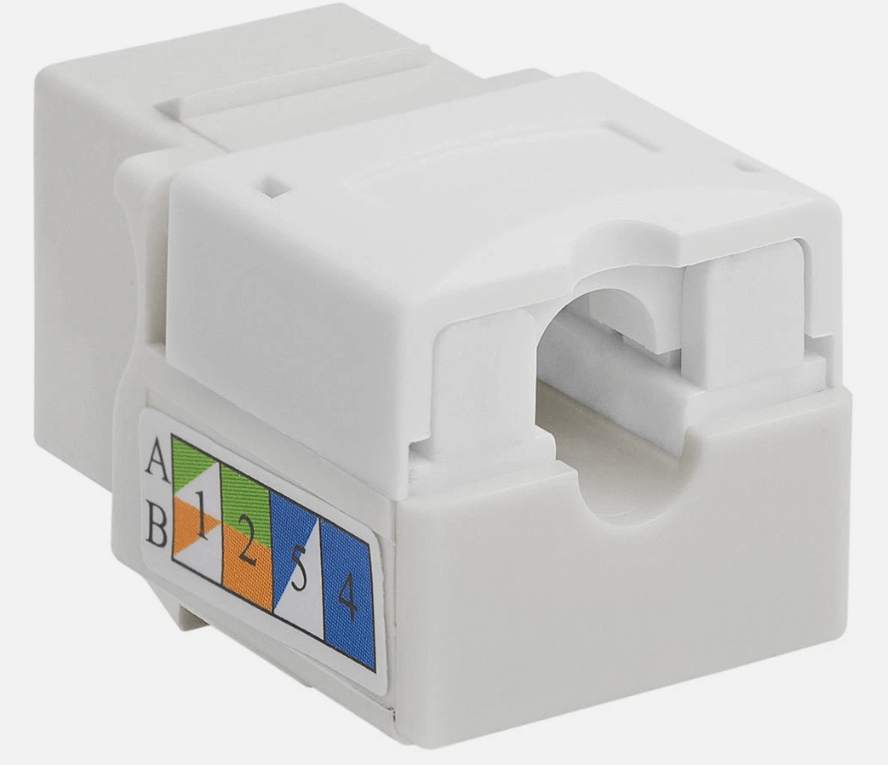
D-Link Cat6 RJ45 Keystone Jack – UTP Punch-Down Module
KSh 150.00
D-Link Cat6 UTP keystone jack for terminating Cat6 cable at wall outlets and patch panels. Punch-down IDC works with both Krone and 110 tools, takes 23–26 AWG cable, and has T568A/T568B colour-coded labels. Snaps into standard keystone face plates and modular patch panels.
Description
D-Link Cat6 UTP Keystone Jack for Network, CCTV and VoIP Points
The D-Link Cat6 keystone jack turns a Cat6 cable run into a clean RJ45 network point. Punch the four pairs into the IDC block, snap the jack into a face plate or patch panel, and the point is ready for a PC, IP camera, access point or IP phone.
The IDC block works with both a Krone punch down tool and a standard 110 tool, so you can use whichever tool is already in your kit. Universal colour-coded labels cover both T568A and T568B, and the RJ45 contacts are 50-micro-inch gold plated for a reliable connection over repeated plugging.
Key Features
- Cat6 UTP performance for Gigabit Ethernet, PoE cameras and VoIP
- RJ45 8P8C jack with 50µ” gold-plated contacts
- 180° punch-down IDC, compatible with Krone and 110 tools
- Accepts 23–26 AWG solid and stranded cable
- T568A / T568B colour-coded labels on the jack
- Standard keystone size for face plates, surface boxes and high-density patch panels
- Cat6 performance to ANSI/TIA/EIA-568-C.2
Specifications
| Brand | D-Link |
| Category | Cat6 |
| Type | UTP (unshielded) |
| Connector | RJ45 8P8C |
| Termination | 180° punch-down IDC (Krone or 110 tool) |
| Cable gauge | 23–26 AWG, solid or stranded |
| Wiring | T568A / T568B |
| Contact plating | 50µ” gold |
| Standard | ANSI/TIA/EIA-568-C.2 |
Applications
Office and home network points, CCTV and IP camera runs, Wi-Fi access point drops, VoIP phone points and patch panel terminations in network cabinets.
How to Terminate a Cat6 Keystone Jack
- Strip about 25 mm of the cable jacket and remove the cross separator.
- Lay each conductor in its slot following the T568B (or T568A) colour labels. Keep the pair twists as close to the jack as possible.
- Punch each wire down with a Krone or 110 tool; the tool seats and trims the wire in one action.
- Snap the jack into the face plate or patch panel and test the point.
Installer tip: untwisting more than about 13 mm of each pair is the most common reason a Cat6 point fails certification.
Complete Your Network Point
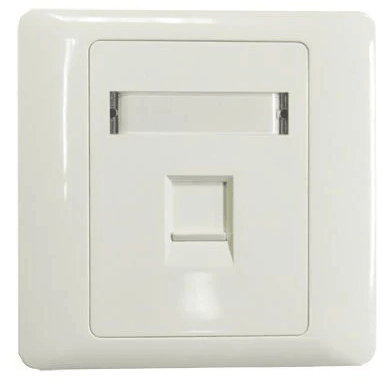
Fit the jack into a D-Link Single Port Face Plate or D-Link Dual Port Face Plate, and connect devices with a D-Link Cat6 patch cord.
Frequently Asked Questions
Can I use a Krone tool on this keystone jack?
Yes. The IDC block accepts both Krone and 110 punch-down tools.
Does it work with Cat5e cable?
Yes, as long as the conductors are 23–26 AWG. The link will perform at Cat5e level.
Is a face plate included?
No. Face plates are sold separately in single and dual port versions.
Prices exclude VAT. For bulk orders, installation or advice on the right model for your site, contact Patsec on WhatsApp at 0714 847 183.